Note
Go to the end to download the full example code.
Plot topography
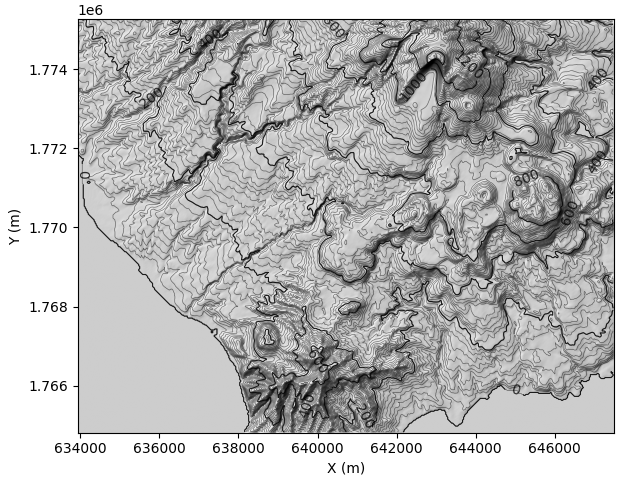
This example demonstrates how to display a topography using plot_topo from the plot module.
import matplotlib.pyplot as plt

from pytopomap.tools import read_tiff
from pytopomap.plot import plot_topo

# Load topography data from a GeoTIFF file (available on github)
url = r"https://raw.githubusercontent.com/marcperuz/pytopomap/main/data/z.tif"
x, y, z = read_tiff(url)

# Basic usage: default topographic plot with hillshading and automatic contour intervals
axe = plot_topo(z, x, y)

plt.show()
Customized display with advanced parameters
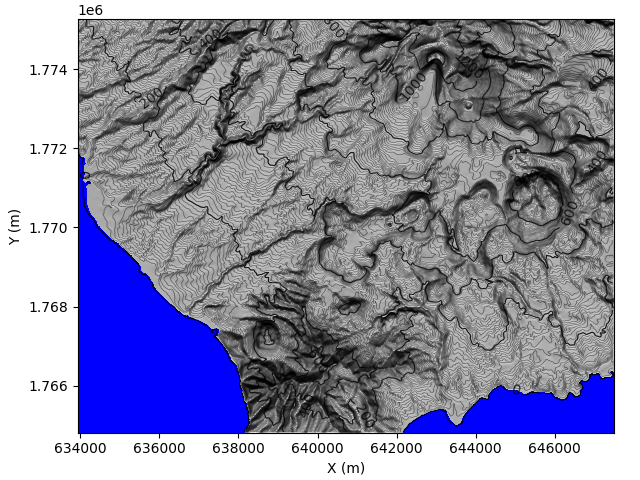
You can adjust many parameters such as:
‘contour_step’: spacing of contour lines
‘vert_exag’: vertical exaggeration in hillshading
‘sea_level’ and ‘sea_color’: simulate sea by coloring low-lying areas
‘azdeg’ and ‘altdeg’: lighting direction and altitude for hillshading
axe = plot_topo(
    z, x, y,
    contour_step=10.,        # contour every 10 meters
    vert_exag=1.5,           # exaggerate elevation relief
    sea_color='blue',        # color sea areas in blue
    sea_level=1,             # set sea threshold at 1 meter
    azdeg=180,               # light coming from the south
    altdeg=25                # low-angle lighting for more contrast
)

plt.show()
Advanced styling
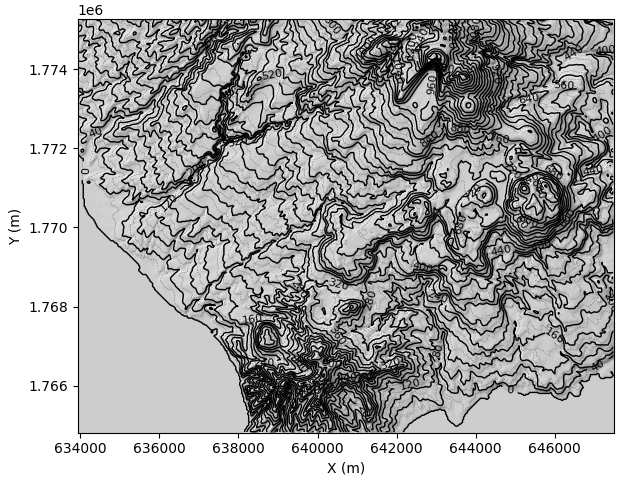
Control line appearance and labeling with:
‘contours_prop’: style of regular contours
‘contours_bold_prop’: style of bold contours
‘label_contour’: whether to label bold contours
‘contour_labels_properties’: font size, color etc.
‘contour_label_effect’: add outline effects for better readability
axe = plot_topo(
    z, x, y,
    contour_step=20,
    step_contour_bold=40,
    contours_prop={"colors": "grey", "linestyles": "dashed", "linewidths": 0.4},
    contours_bold_prop={"colors": "black", "linewidths": 1.0},
    label_contour=True,
    contour_labels_properties={"fontsize": 8, "fmt": "%.0f"},
)

plt.show()
Using interpolation for smoother shading
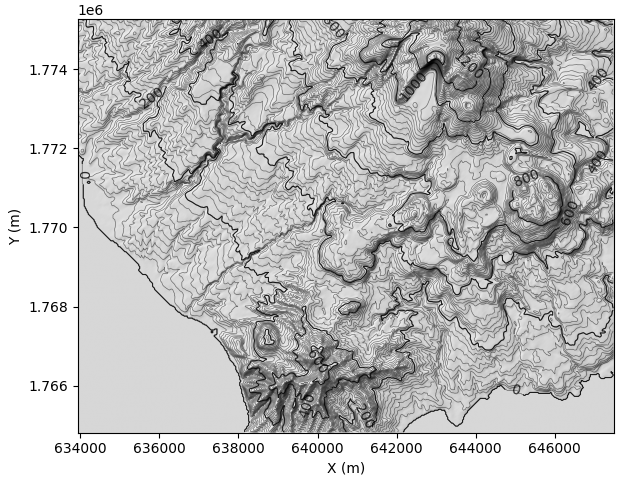
You can also control how the hillshading is displayed using interpolation.
axe = plot_topo(
    z, x, y,
    interpolation="bilinear",  # smooth shading
    alpha=0.8,                 # semi-transparent hillshading
)

plt.show()
Total running time of the script: (0 minutes 1.945 seconds)